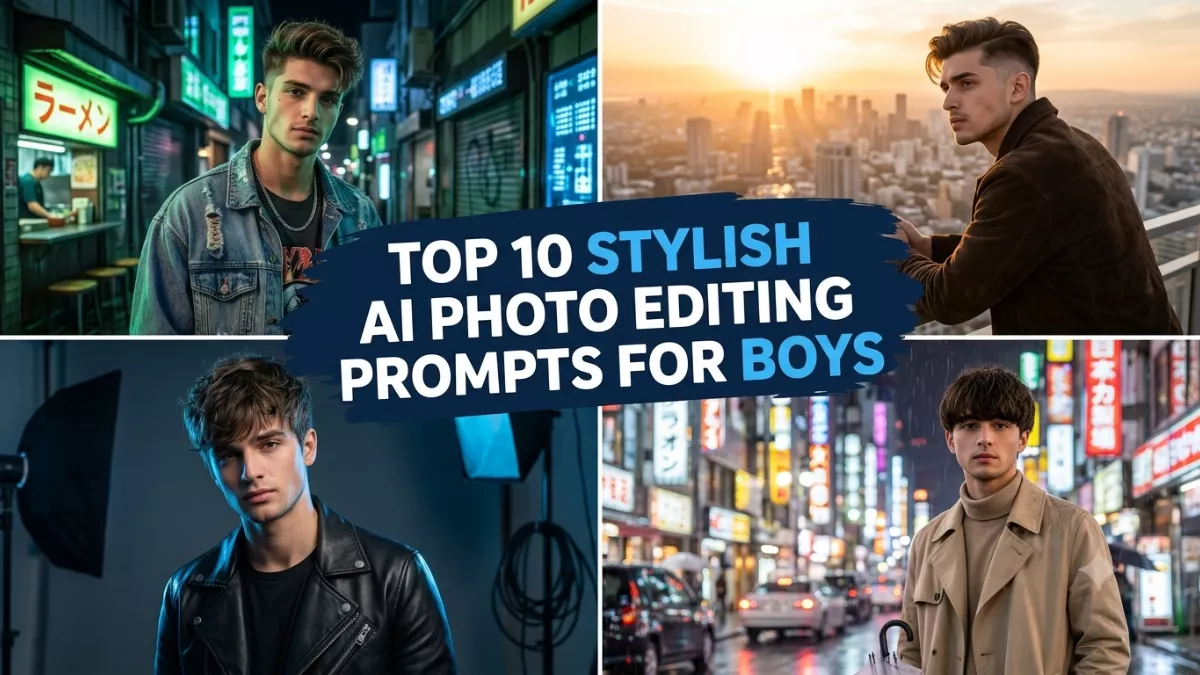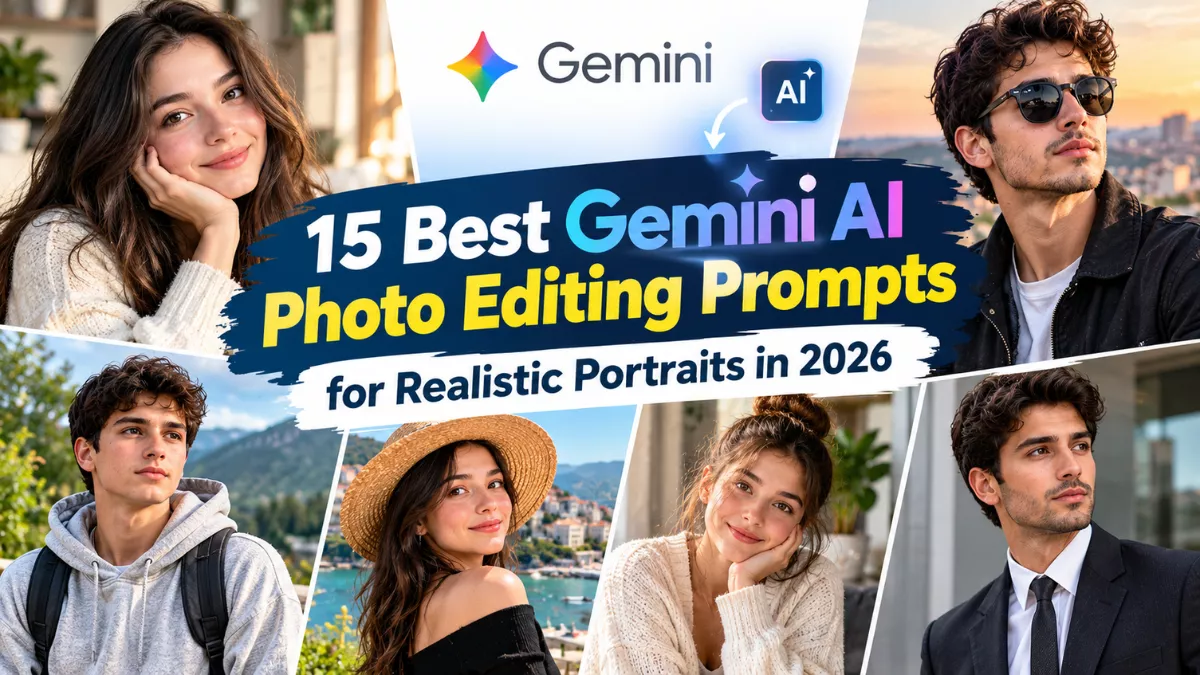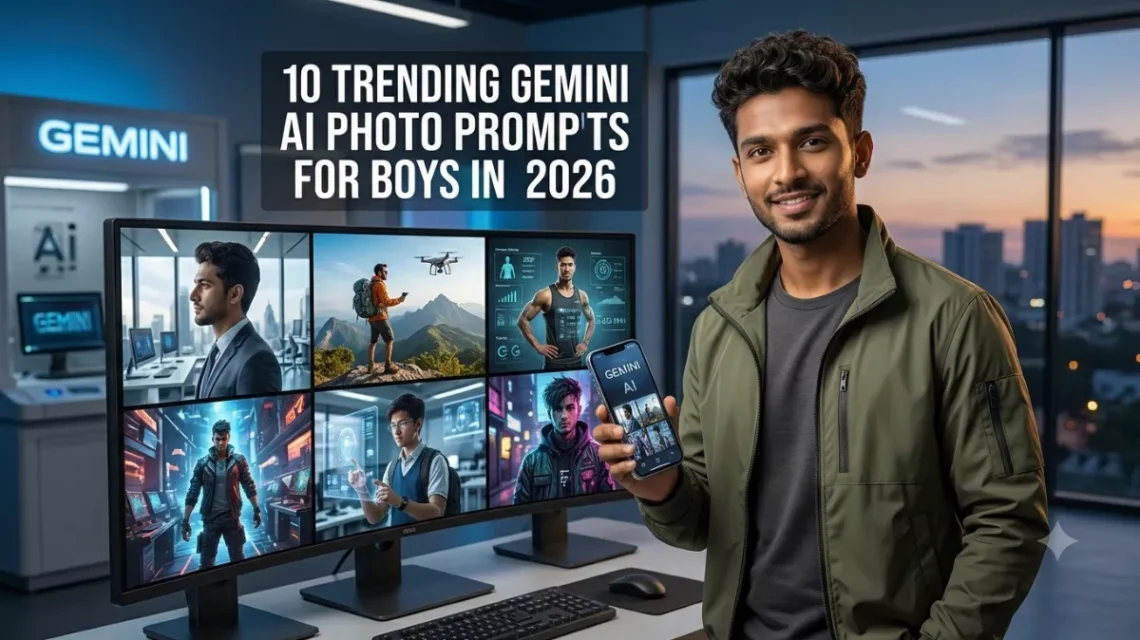
AI photo editing has become a popular way to create stylish portraits, cinematic profile pictures, and social media-ready images without arranging a professional photoshoot. With Google Gemini’s image-generation and image-editing capabilities, boys and young men can experiment with different outfits, hairstyles, backgrounds, lighting effects, and photography styles.
The secret to getting realistic results is to write a detailed prompt. Instead of asking for a simple stylish photo, describe the outfit, pose, background, lighting, camera angle, and level of realism you want. If you want to edit your own photograph, upload a clear reference image and ask Gemini to preserve your recognizable facial features.
Here are 10 trending-style Gemini AI photo prompts for boys in 2026 that you can copy, paste, and customize for Instagram, WhatsApp profile pictures, Facebook, and other social platforms.
1. Cinematic Black Outfit Portrait
This prompt is ideal for creating a bold, modern portrait with dramatic lighting and a premium editorial appearance.
Copy-and-paste prompt:
Create an ultra-realistic cinematic portrait of the same person shown in the uploaded reference photo. Preserve the person’s recognizable facial features, natural skin tone, hairstyle, and identity. Dress him in a premium black shirt with a modern, well-fitted style. Use a dark urban background, soft directional lighting, subtle shadows, realistic skin texture, and professional portrait photography. Give him a confident but natural expression and a relaxed pose. Use shallow depth of field, crisp facial details, realistic fabric texture, and a sophisticated cinematic color grade. The final image must look like a real photograph taken with a professional camera, not an AI-generated image. Vertical 4:5 composition.
2. Stylish Streetwear Boy Photo
Create a trendy streetwear portrait inspired by contemporary youth fashion. This style works well for social media posts and fashionable profile pictures.
Copy-and-paste prompt:
Edit the uploaded reference photograph into an ultra-realistic streetwear fashion portrait. Keep the same person’s identity, face shape, natural skin tone, and recognizable facial details. Dress him in an oversized neutral-colored hoodie, relaxed-fit cargo trousers, fashionable sneakers, and subtle accessories. Place him on a modern city street with textured walls and a softly blurred urban background. Use natural afternoon light, realistic shadows, authentic fabric folds, and professional street-style photography. The pose should look casual and confident, with one hand in a pocket. Avoid exaggerated muscles, artificial skin smoothing, distorted hands, and unrealistic proportions. Vertical 4:5 framing.
3. Luxury Black Suit Portrait
A black suit and a clean background can create a polished portrait suitable for professional profiles, personal branding, or formal social media posts.
Copy-and-paste prompt:
Create a photorealistic luxury portrait using the uploaded image as the identity reference. Preserve the same face, facial proportions, hairstyle, and natural skin tone. Dress the subject in a perfectly tailored black suit, a crisp white shirt, and a subtle black wristwatch. Position him in an elegant modern interior with soft architectural details in the background. Use premium editorial lighting, natural skin texture, balanced contrast, realistic shadows, and sharp eyes. Give him a relaxed, confident expression and a natural standing pose. The image should resemble a high-end men’s fashion magazine photograph, with no excessive retouching or artificial facial changes. Vertical 4:5 composition.
4. Rainy Night Cinematic Portrait
This prompt creates a dramatic city-night look with reflections, atmospheric lighting, and a movie-inspired mood.
Copy-and-paste prompt:
Transform the uploaded photograph into a highly realistic cinematic night portrait while preserving the person’s recognizable identity and natural facial features. Dress him in a dark casual jacket over a simple shirt. Place him on a city street after rainfall, with soft reflections on the pavement and blurred lights in the distance. Use realistic blue and amber lighting, natural skin texture, subtle shadows, and a shallow depth of field. Add a gentle breeze to the clothing without distorting the face or body. Make the image resemble a still from a professionally photographed drama film, not a fantasy illustration. Maintain realistic anatomy, natural colors, and vertical 4:5 framing.
5. Casual Denim Jacket Portrait
Denim jackets provide a timeless, versatile look that works for everyday portraits and relaxed social media photography.
Copy-and-paste prompt:
Create a realistic lifestyle portrait of the person in the uploaded reference photo. Preserve the original identity, face, hairstyle, and skin tone. Dress him in a classic blue denim jacket over a plain white T-shirt, with dark jeans and a simple, natural hairstyle. Set the scene in an outdoor location with soft greenery and a gently blurred background. Use warm golden-hour sunlight, natural facial expressions, detailed denim texture, realistic shadows, and professional DSLR portrait photography. The subject should stand comfortably with a slight smile and relaxed shoulders. Avoid excessive skin smoothing, artificial colors, and exaggerated facial features. Vertical 4:5 composition.
6. Luxury Car and Urban Fashion Photo
This style combines modern fashion with an upscale urban atmosphere. Keep the scene realistic rather than adding unnecessary luxury props.
Copy-and-paste prompt:
Create an ultra-realistic editorial photograph of the same person shown in the uploaded reference image. Preserve his recognizable facial identity, natural skin tone, and hairstyle. Dress him in a fitted dark jacket, a premium plain T-shirt, tailored trousers, and clean sneakers. Position him beside a realistic modern luxury sedan parked on a city street. Use natural evening light, believable reflections on the car, accurate vehicle proportions, realistic shadows, and professional automotive lifestyle photography. The subject should have a relaxed, confident expression and a natural pose. Do not add logos, unrealistic accessories, distorted vehicle details, or artificial facial changes. Landscape 4:5-friendly framing.
7. Soft Aesthetic Portrait With Natural Light
For those who prefer a clean and simple look, this prompt creates a bright portrait with soft colors and a natural atmosphere.
Copy-and-paste prompt:
Create a highly realistic aesthetic portrait from the uploaded reference photo. Keep the same person’s recognizable facial features, hairstyle, skin tone, and identity. Dress him in a clean cream-colored shirt or a soft pastel casual outfit. Place him near a large window or in a peaceful outdoor setting with natural greenery. Use diffused daylight, gentle shadows, balanced colors, realistic skin texture, and a softly blurred background. Give the subject a relaxed expression and an effortless pose. The final result should resemble a professionally captured lifestyle photograph with natural color grading, not a beauty-filtered or digitally painted image. Vertical 4:5 composition.
8. Motorcycle Rider Portrait
This prompt is suitable for creating a bold, adventure-inspired photograph with realistic motorcycle details and outdoor lighting.
Copy-and-paste prompt:
Using the uploaded reference photo, create a photorealistic motorcycle lifestyle portrait while preserving the person’s recognizable identity and facial features. Dress him in a well-fitted riding jacket, dark jeans, sturdy boots, and a properly fitted motorcycle helmet carried safely in one hand. Position him beside a realistic motorcycle on a scenic open road with hills in the distance. Use natural late-afternoon sunlight, realistic metal and leather textures, accurate motorcycle proportions, and professional adventure photography. The pose should be confident but natural. Avoid unsafe riding behavior, distorted wheels, fake logos, artificial skin, and exaggerated body proportions. Vertical 4:5 composition.
9. Traditional Indian Outfit Portrait
Traditional clothing can create an elegant portrait for festivals, family occasions, celebrations, and cultural events.
Copy-and-paste prompt:
Create a photorealistic traditional Indian portrait of the same person shown in the uploaded reference image. Preserve his recognizable facial identity, natural skin tone, and hairstyle. Dress him in a well-fitted traditional kurta with tasteful embroidery and a coordinated jacket if appropriate. Place him in an elegant setting with subtle warm decorative lights and understated Indian architectural details. Use soft golden lighting, realistic fabric texture, natural facial expressions, accurate hands, and professional portrait photography. Keep the styling refined and authentic rather than overly decorative. Avoid changing the person’s identity, adding excessive jewelry, or making the background look artificial. Vertical 4:5 composition.
10. Professional Instagram Profile Picture
A clear, well-lit head-and-shoulders portrait is a practical choice for profile pictures across social media platforms.
Copy-and-paste prompt:
Create a professional, ultra-realistic head-and-shoulders portrait using the uploaded photograph as the identity reference. Preserve the person’s face shape, recognizable facial features, hairstyle, and natural skin tone. Dress him in a stylish, well-fitted casual shirt or a simple dark jacket. Use a clean neutral background, soft studio lighting, sharp focus on the eyes, realistic skin texture, and natural facial proportions. Give him a friendly, confident expression with relaxed shoulders. Keep the composition uncluttered and centered, with enough space around the head for profile-picture cropping. The final image must resemble a genuine professional camera portrait without excessive retouching, artificial skin, or distorted details. Square 1:1 composition.
How to Get Better Results From Gemini AI Photo Prompts
Use these simple tips to improve your generated portraits:
- Upload a clear reference photo: Choose a well-lit image in which your face is easy to see.
- Describe the desired changes: Specify clothing, hairstyle, background, pose, and lighting instead of asking for a completely vague transformation.
- Preserve your identity: Include a clear instruction to maintain your recognizable facial features and natural skin tone.
- Choose the correct aspect ratio: Use 1:1 for profile pictures and 4:5 for portrait posts. Use landscape framing when you want a wider scene.
- Keep realism in the prompt: Ask for natural skin texture, believable shadows, realistic hands, accurate clothing, and natural body proportions.
- Make changes gradually: If the first result is not right, ask Gemini to adjust one element at a time, such as the background or outfit.
- Review the final image: Check for distorted fingers, unusual facial details, inconsistent reflections, or clothing that looks unnatural.
Feature availability and editing behavior can vary depending on the Gemini model, app version, and account. You may need to upload an image and use the available image-editing feature to apply these prompts to an existing photograph.
Frequently Asked Questions
1. Can I copy and paste these Gemini AI photo prompts?
Yes. Copy any prompt and paste it into Gemini. If you want to edit your own photograph, upload the reference image first and then submit the prompt.
2. Which Gemini prompt is best for boys’ profile pictures?
The professional Instagram profile prompt is a good starting point because it focuses on facial clarity, natural lighting, and a clean background.
3. How can I make Gemini AI photos look realistic?
Provide specific instructions about lighting, camera style, facial details, clothing, and background. Avoid excessive effects and ask for realistic skin texture and natural proportions.
4. Can I create different outfits using the same photo?
Yes. You can use the same reference image with different prompts to explore formal suits, denim jackets, streetwear, traditional clothing, and other styles. Results may vary.
5. Are these prompts free to use?
The prompts themselves can be copied and adapted. Access to image generation and editing depends on the current Gemini features, usage limits, and account availability.
Conclusion
These 10 Gemini AI photo prompts for boys in 2026 offer a variety of styles, from cinematic black outfits and streetwear portraits to traditional Indian looks and professional profile pictures. Each prompt is designed to provide clear visual instructions that can help produce more realistic results.
Start with the style you like most, upload a suitable reference photo when needed, and customize the details to match your personal taste. Small adjustments to lighting, clothing, and background can make a significant difference in the final image.