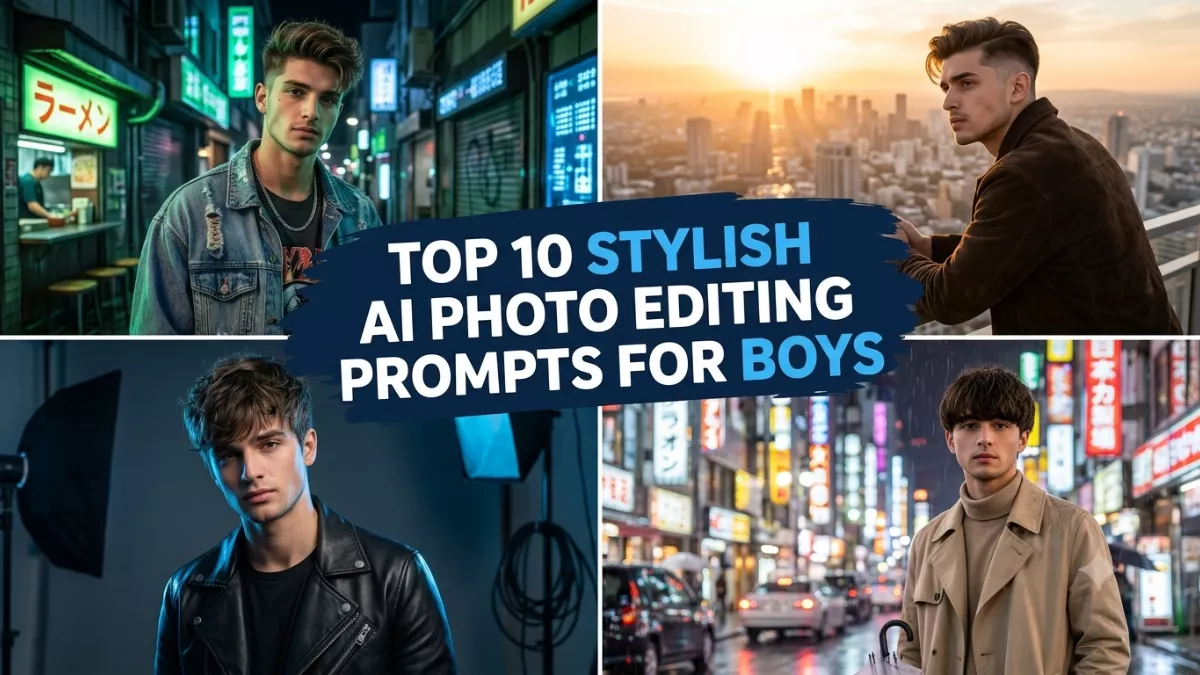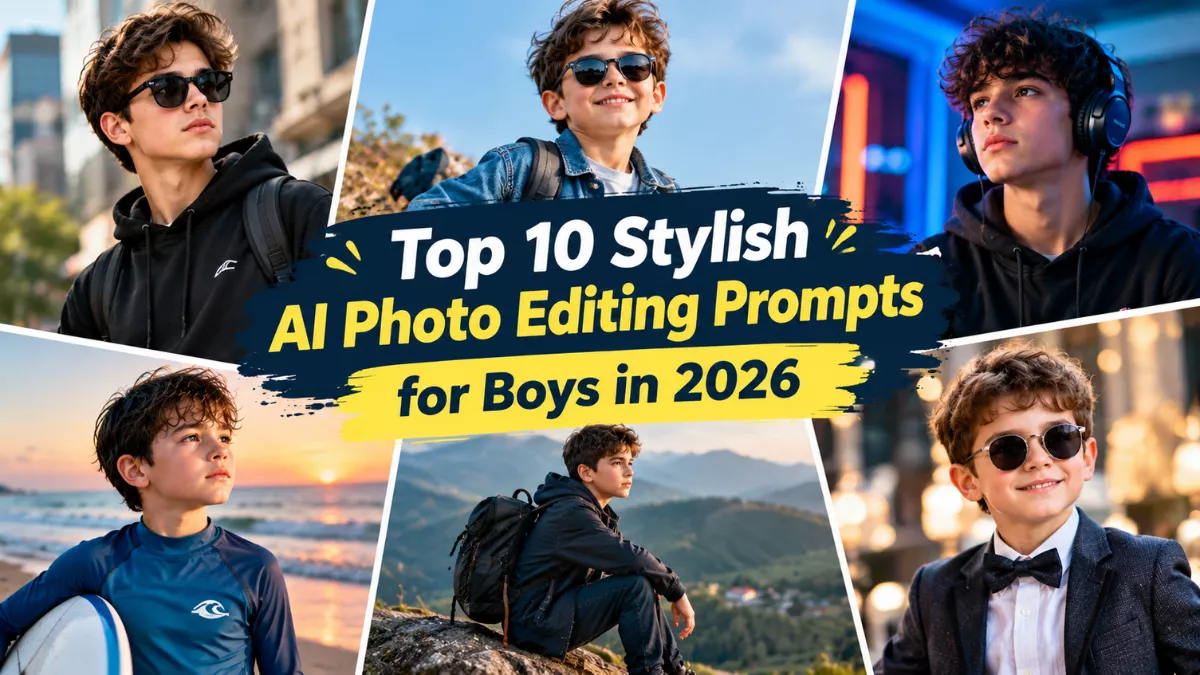
Want to transform an ordinary selfie into a stylish portrait without booking a professional photoshoot? AI photo editing tools are making it easier to experiment with modern outfits, cinematic backgrounds, fashionable poses, and professional-looking profile pictures. In 2026, boys can use detailed AI prompts to create everything from streetwear portraits and luxury fashion shots to moody black-and-white photos.
The secret is choosing the right prompt. Instead of simply asking an AI tool to “make my photo stylish,” describe the outfit, pose, background, lighting, and photography style you want. The more clearly you explain your idea, the easier it is to guide the final result.
Here are 10 stylish AI photo editing prompts for boys in 2026 that you can copy, customize, and try with an image-editing tool that supports reference photos.
Top 10 Stylish AI Photo Editing Prompts for Boys
1. Black Outfit Attitude Portrait
A black outfit paired with dramatic lighting creates a bold, modern look. This prompt works well for social media profile pictures and fashion posts.
AI Prompt:
“Edit my uploaded photo into a stylish cinematic portrait. Preserve my recognizable face, natural skin tone, hairstyle, and body proportions. Dress me in a fitted black jacket, plain white T-shirt, dark jeans, and stylish sunglasses. Place me on a modern city street at dusk with soft background lights and subtle reflections. Use dramatic yet realistic lighting, natural skin texture, sharp facial details, and professional fashion photography.”
2. Modern Streetwear Fashion Look
Streetwear is a versatile choice for casual portraits. Oversized clothing, sneakers, and an urban setting create a relaxed, contemporary style.
AI Prompt:
“Transform my reference photo into a modern streetwear fashion portrait. Keep my facial identity and natural appearance consistent. Dress me in an oversized neutral hoodie, relaxed-fit cargo pants, and clean white sneakers. Place me beside a contemporary brick wall with subtle urban details. Use natural afternoon light, a confident relaxed pose, realistic clothing textures, and editorial street photography.”
3. Luxury Gentleman Portrait
For a polished and sophisticated appearance, try a tailored suit, elegant background, and soft studio lighting.
AI Prompt:
“Create a premium gentleman portrait using my uploaded photo as the reference. Preserve my original facial features, hairstyle, and skin tone. Dress me in a tailored black suit with a crisp white shirt and a minimalist wristwatch. Place me in a modern luxury interior with warm lighting and a softly blurred background. Use realistic skin texture, accurate fabric details, balanced shadows, and professional magazine-style photography.”
4. Cinematic Rainy-Night Portrait
A rainy street with reflections and distant lights can give a photo a dramatic movie-like atmosphere.
AI Prompt:
“Turn my photo into a cinematic rainy-night portrait. Preserve my recognizable face and natural proportions. Dress me in a dark jacket and place me on a city street after rainfall, with reflections on the pavement and blurred lights in the background. Use cool blue tones, subtle warm highlights, realistic raindrops, natural facial details, and cinematic portrait photography. Keep the result believable rather than overly edited.”
5. Golden-Hour Outdoor Portrait
Golden-hour lighting adds a warm glow and works well for natural-looking portraits, profile pictures, and casual social media posts.
AI Prompt:
“Edit my uploaded photo into a professional outdoor portrait during golden hour. Preserve my facial identity, hairstyle, and natural skin tone. Dress me in a stylish beige shirt and dark trousers. Place me in an open field with soft sunlight, a gentle breeze, and a blurred natural background. Use warm golden light, realistic shadows, natural skin texture, and a relaxed confident pose.”
6. Black-and-White Editorial Portrait
Monochrome photography is a good option for people who prefer a minimal, timeless aesthetic without colorful backgrounds.
AI Prompt:
“Transform my reference image into a high-quality black-and-white editorial portrait. Keep my face recognizable and preserve natural facial details. Use a simple dark background, a clean black shirt, directional studio lighting, and carefully balanced contrast. Emphasize realistic skin texture, detailed hair, natural shadows, and sharp eyes. Create a timeless magazine-style photograph without artificial smoothing.”
7. Smart Casual Cafe Portrait
A cafe setting creates a relaxed lifestyle image that feels natural rather than staged.
AI Prompt:
“Create a stylish lifestyle portrait using my uploaded photo. Preserve my original facial features and natural appearance. Dress me in a light-colored overshirt, a basic T-shirt, and well-fitted trousers. Place me sitting beside a cafe window with a coffee cup on the table and a softly blurred interior behind me. Use natural window light, warm neutral colors, realistic details, and candid lifestyle photography.”
8. Sporty Fitness Portrait
For gym enthusiasts, a fitness portrait can highlight an active lifestyle while maintaining a realistic appearance.
AI Prompt:
“Edit my photo into a professional fitness portrait. Preserve my recognizable face, natural body proportions, and skin tone. Dress me in a clean athletic T-shirt and sports trousers inside a modern gym. Add realistic gym equipment in the background and use directional overhead lighting with natural shadows. Create a confident but relaxed pose, accurate anatomy, realistic skin texture, and professional sports photography.”
9. Traditional Royal Indian Look
Traditional clothing offers a distinctive alternative to Western fashion styles. An embroidered kurta or sherwani with architectural details can create an elegant portrait.
AI Prompt:
“Transform my uploaded photo into a royal Indian fashion portrait. Preserve my facial identity, hairstyle, and natural skin tone. Dress me in an elegant dark sherwani with subtle gold embroidery. Place me in a heritage palace courtyard with detailed stone architecture and warm evening lighting. Use realistic fabric textures, natural proportions, refined colors, and professional cultural fashion photography.”
10. Minimal Studio Portrait for Social Media
A simple studio portrait is ideal for profile pictures because it keeps the focus on the face and avoids distracting background details.
AI Prompt:
“Create a clean, modern studio portrait from my uploaded photo. Preserve my recognizable face, hairstyle, and natural skin texture. Dress me in a fitted neutral-colored shirt against a simple gray studio background. Use soft directional lighting, realistic shadows, sharp eye detail, and a natural expression. Keep the composition centered, uncluttered, and suitable for Instagram, WhatsApp, and other profile pictures.”
How to Use AI Photo Editing Prompts
Follow these simple steps to create your own stylish AI portrait:
- Choose a clear photo with good lighting and a visible face.
- Open an AI tool that supports photo editing or image generation from reference images.
- Upload your photo and paste the prompt you want to try.
- Customize the outfit, background, colors, and pose to match your preference.
- Review the result and request corrections if the face, hands, clothing, or proportions look unnatural.
Tips for Better AI Photos
For the best results, describe the elements you want to change and the features you want to preserve. A useful instruction is to keep the same facial identity while changing only the outfit, background, and lighting.
Avoid adding too many unrelated effects to one prompt. Realistic shadows, natural skin texture, accurate proportions, and a clear composition usually create a more convincing portrait than excessive filters. You can also request a 4:5 portrait for social media posts or a 9:16 composition for stories and status updates.
Remember that results vary across AI tools, and face preservation is not guaranteed. Use photographs you have permission to edit, and check the privacy terms of the tool before uploading personal images.
Conclusion
These top 10 stylish AI photo editing prompts for boys in 2026 cover a range of looks, including streetwear, luxury fashion, rainy-night portraits, fitness photography, and traditional Indian styling. Each prompt can be customized to match your personal taste and the type of photo you want to create.
Start with one clear reference photo, try a style that suits you, and refine the result with specific instructions. With a little experimentation, you can create distinctive portraits for social media, profile pictures, and personal collections.
Frequently Asked Questions
1. Which AI tools can I use for boys’ photo editing prompts?
You can try ChatGPT, Google Gemini, or another AI image editor that supports reference-photo editing. Available features vary by tool and account.
2. How do I make an AI photo look realistic?
Describe the lighting, clothing, background, and pose clearly. Ask for natural skin texture, accurate proportions, and realistic shadows.
3. Can I use these prompts for Instagram and WhatsApp profile pictures?
Yes. The studio, black-and-white, and attitude portrait prompts are suitable starting points for profile photos.
4. Can I change the outfit without changing my face?
You can ask the tool to preserve your facial identity while changing the outfit and background, although results may vary.
5. Are these AI photo editing prompts free to use?
The prompts themselves can be copied and customized. Whether image generation is free depends on the AI tool, your account, and its current usage limits.